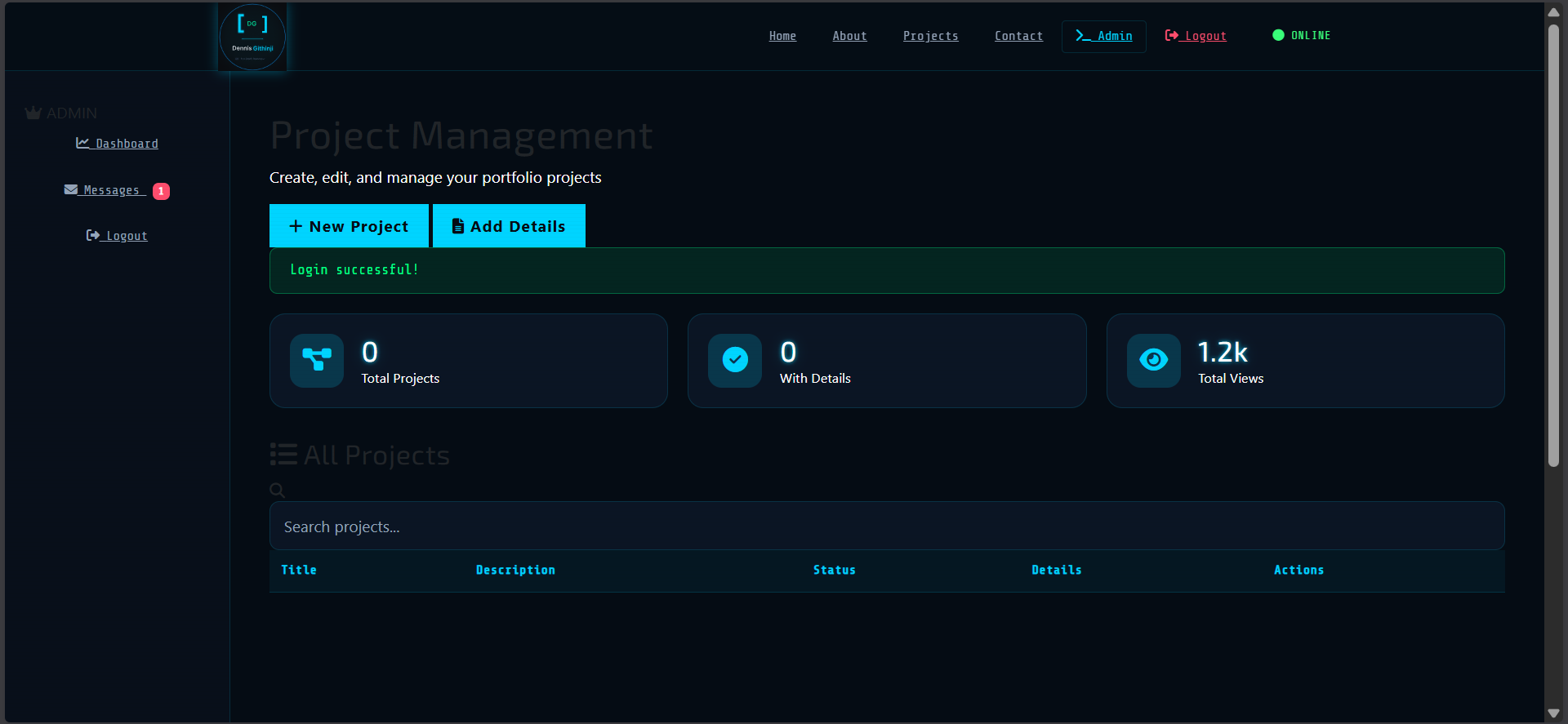
A full-stack portfolio web application designed to showcase projects in a structured and professional format while providing a built-in admin dashboard for managing content dynamically. The system allows projects to be created, edited, and displayed with detailed descriptions, images, and structured sections, simulating a real-world content management system (CMS).
Project Overview
Problem Statement
Traditional portfolio websites are often static, requiring manual code updates to add or modify projects. This makes content management inefficient and not scalable, especially for developers who frequently update their work.
The Solution
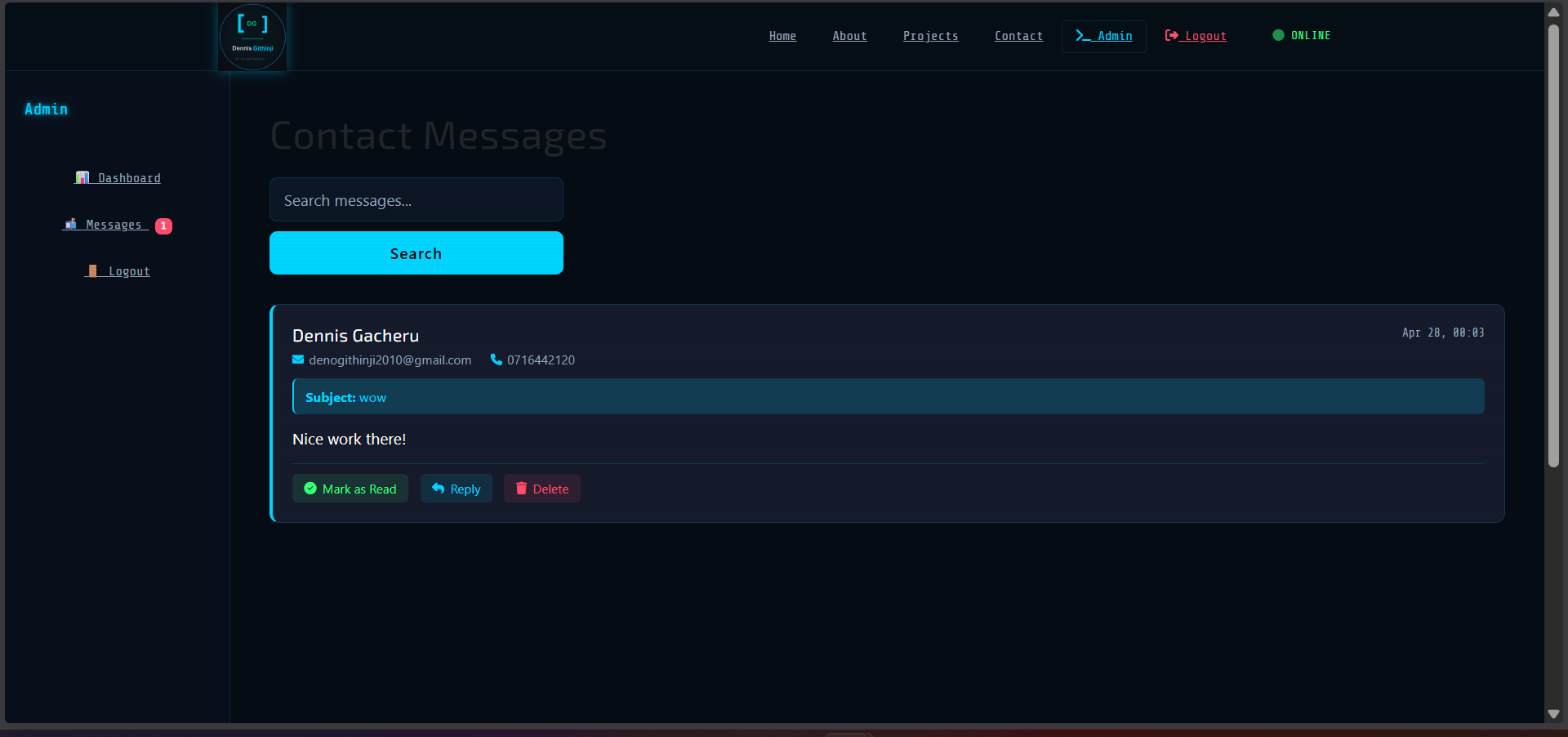
This system introduces a dynamic portfolio platform with an admin dashboard that enables real-time project management without modifying code. Users can add projects, upload images, and include structured details through a user-friendly interface, making the portfolio scalable and easy to maintain.
Key Features
- Dynamic project creation and management
- Admin dashboard for CRUD operations
- Detailed project pages with structured sections
- Image upload and preview functionality
- Search and filter for projects
- Responsive modern UI design
System Architecture
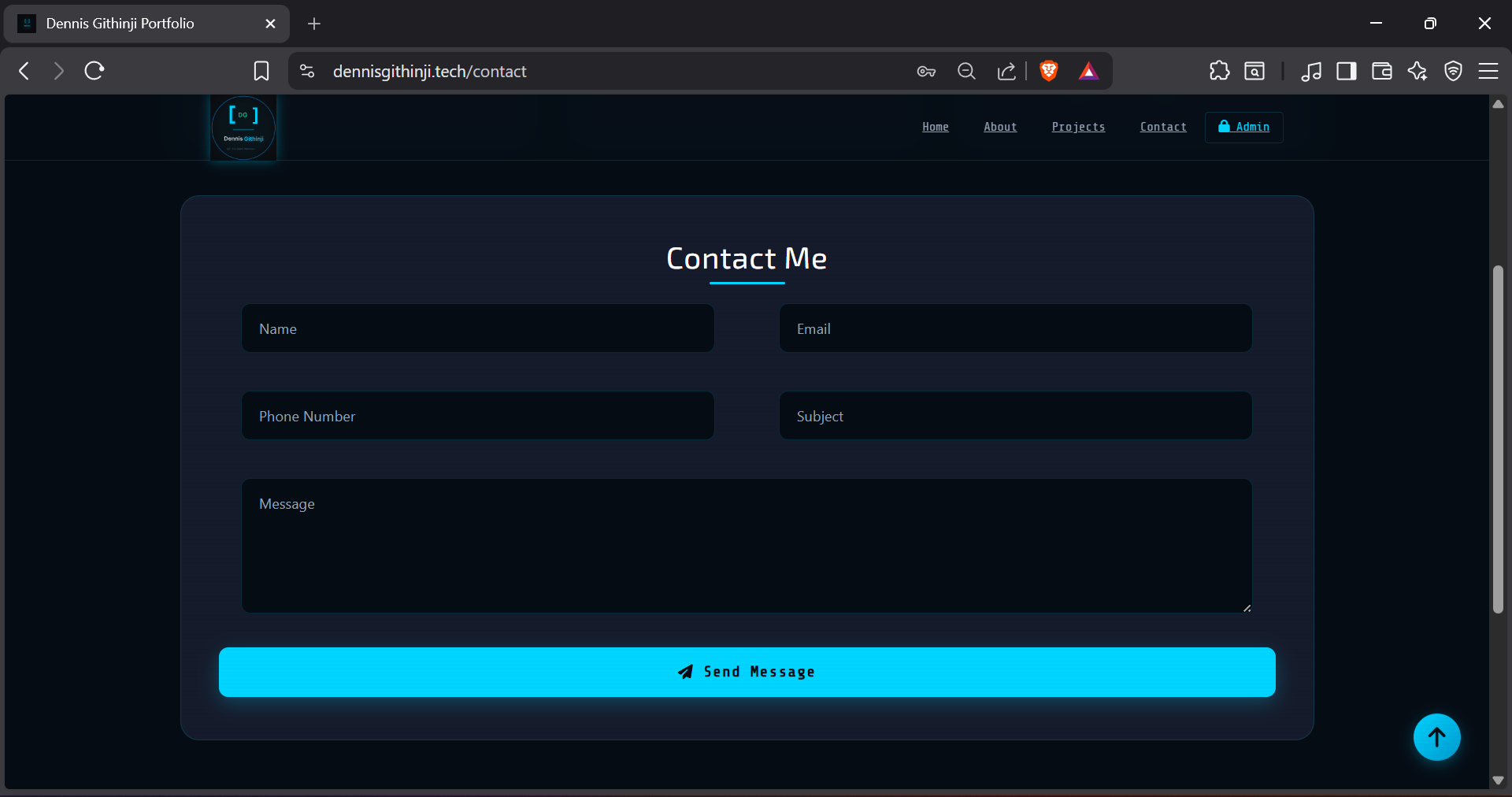
The application follows a client-server architecture. The frontend is built using HTML, CSS, and JavaScript to deliver a responsive and interactive user experience. The backend is developed with Python Flask, handling routing, business logic, and form processing. SQLite is used as the database to store project data, details, and metadata. The system uses server-side rendering with Jinja templates for dynamic content generation.
System Workflow
- Admin logs into the dashboard
- Admin creates or edits a project
- Project data is stored in the SQLite database
- Images are uploaded and saved to the server
- Portfolio page dynamically displays projects
- Users can view detailed project pages
- Admin updates content without modifying code
Technical Challenges
Handling dynamic form data and ensuring proper validation across multiple fields was complex. Managing file uploads and ensuring images are stored and displayed correctly required careful handling. Structuring the database to support both basic projects and detailed project sections also required thoughtful schema design. Additionally, avoiding conflicts between multiple modals and ensuring smooth UI interactions required debugging JavaScript behavior.
Technologies Used
Python Flask
HTML
CSS
JavaScript
SQLite
Future Improvements
- Implement rich text editor for project descriptions.
- Integrate cloud storage for image hosting.
- Add analytics to track portfolio views.
- Enable project categorization and tagging.
Gained hands-on experience building a full-stack web application. Improved skills in Flask backend development and database design. Learned how to implement dynamic content management systems. Enhanced frontend skills with responsive UI design. Built a scalable and maintainable real-world portfolio system.